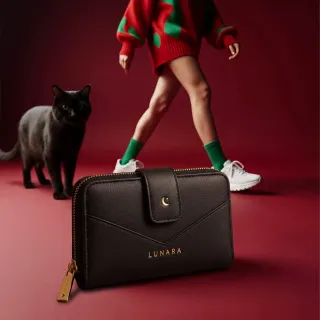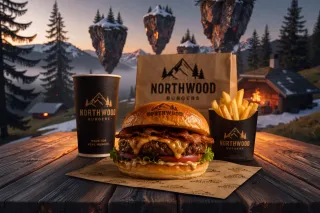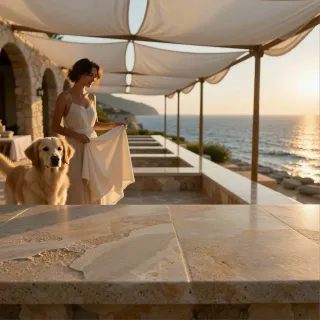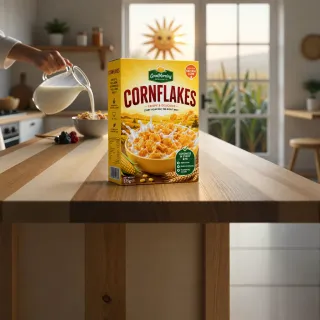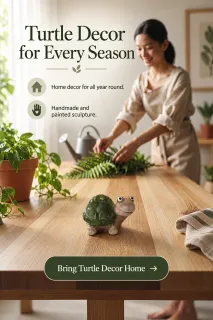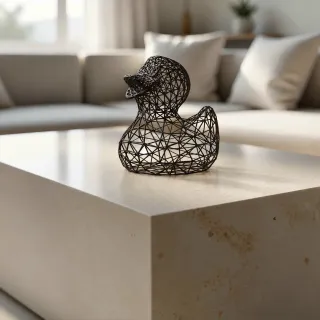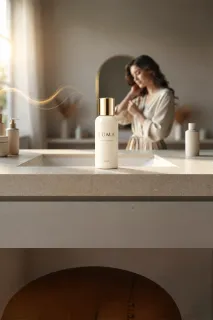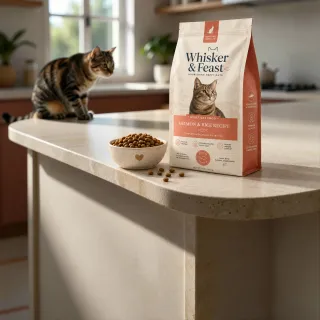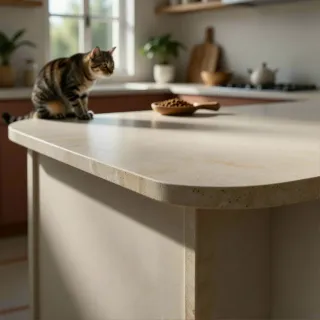


Set the scene.
Make it yours.
Upload your product photo, choose a scene direction, and review the MP credit cost. Auto Studio creates the background and places your product in a finished image.
Loading your product photo…
Behind the image
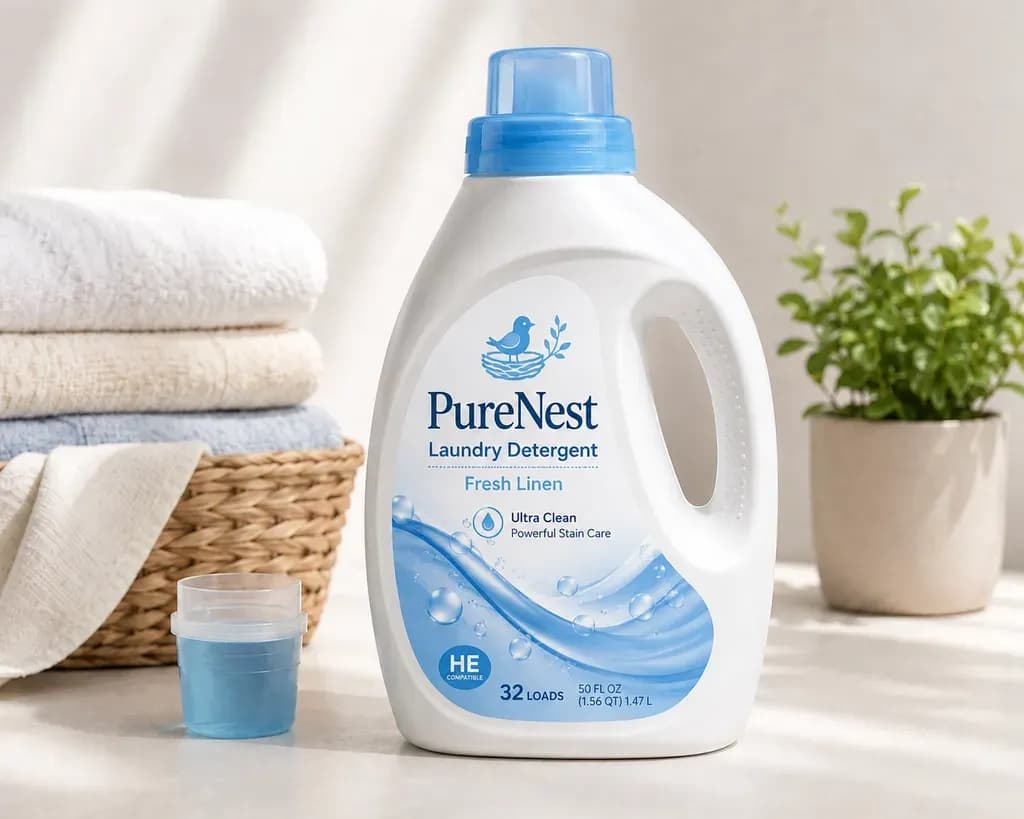
The same product. A whole new setting.
Hold an image to explore the details.
- 01Reference
Your product
Start with a photo of what you sell.
- 02Direction
Your setting
Choose the mood, the light, the world.
- 03Result
Your finished scene
Review the details. Make it yours.
Product Studio
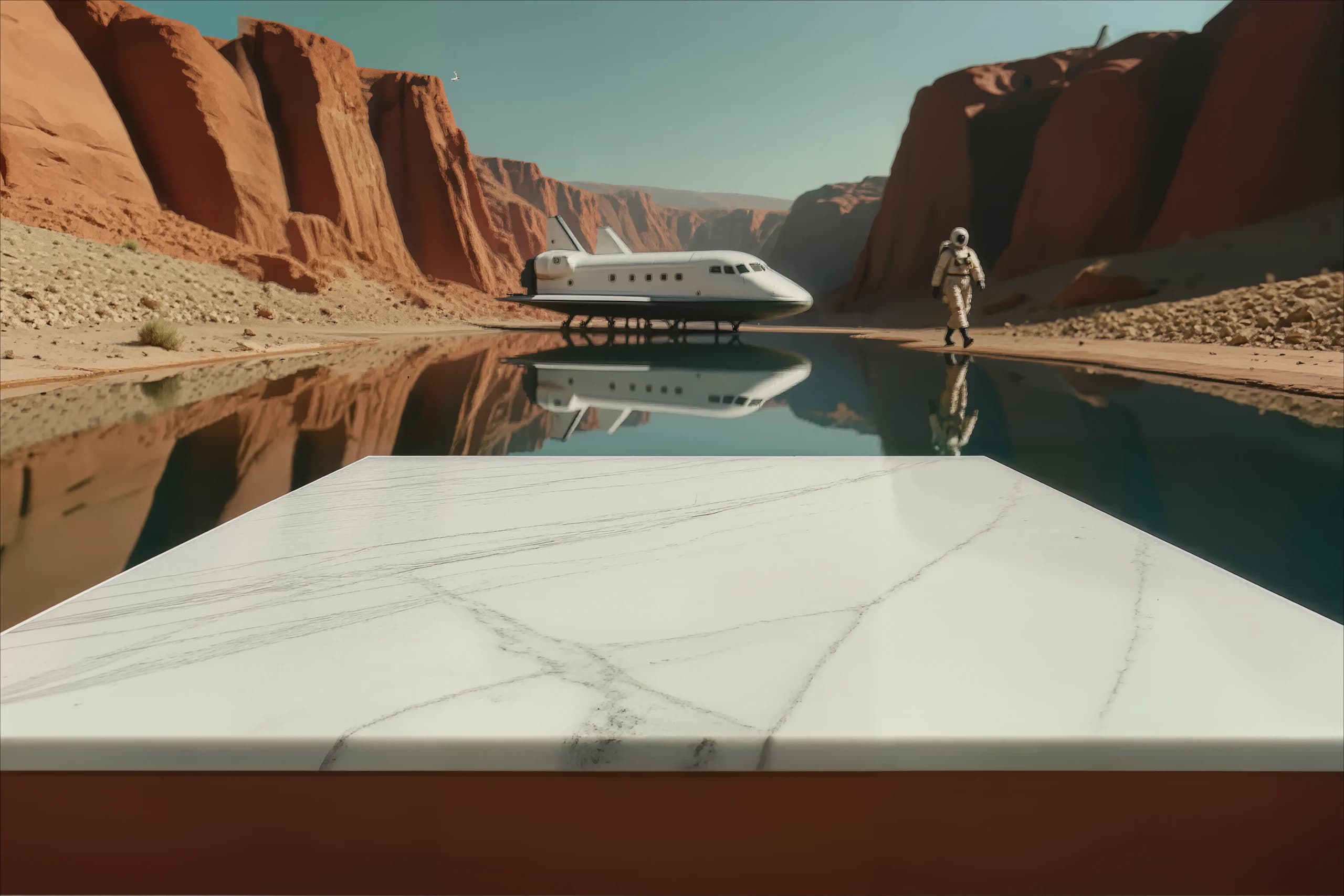
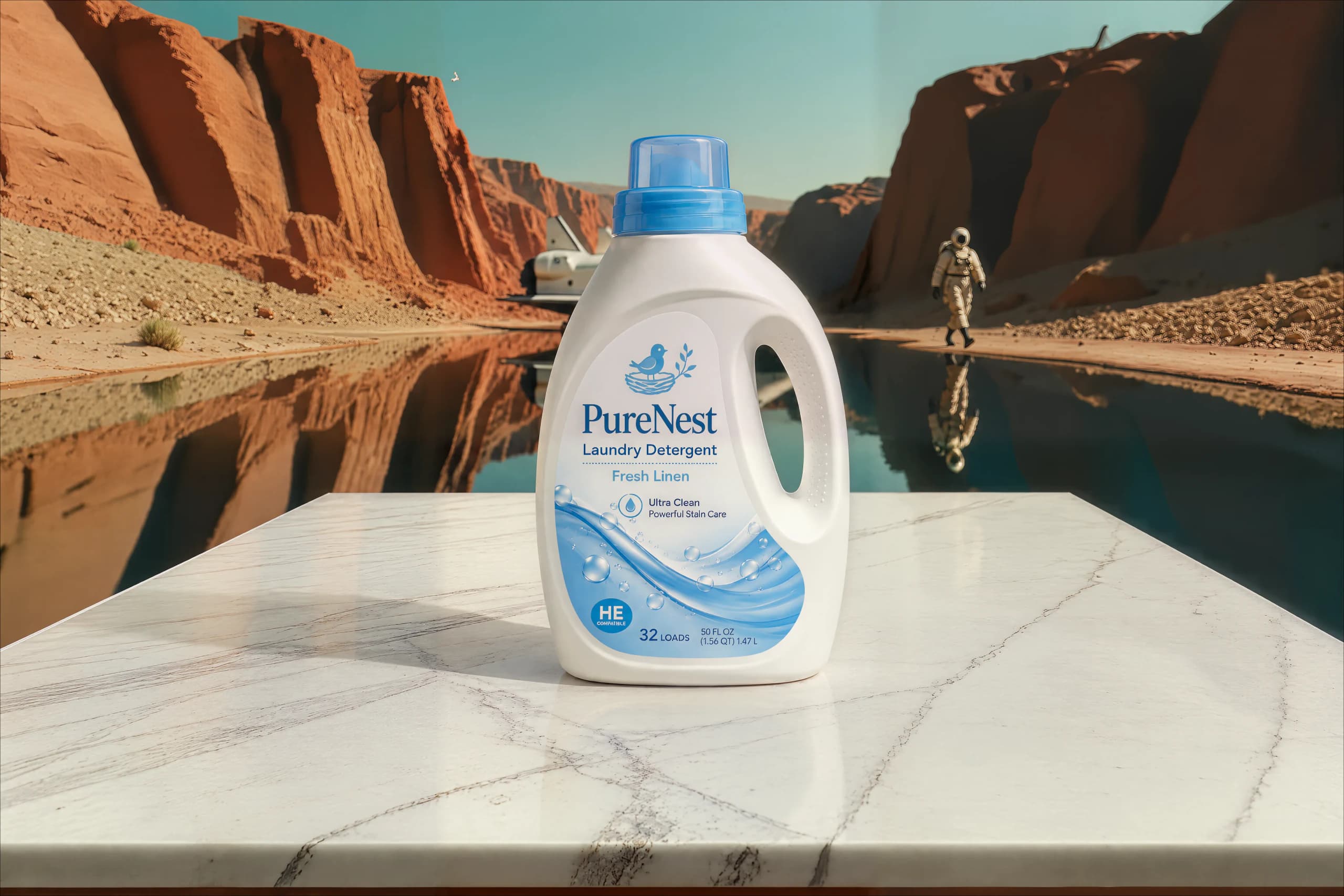
From empty scene to placed product.
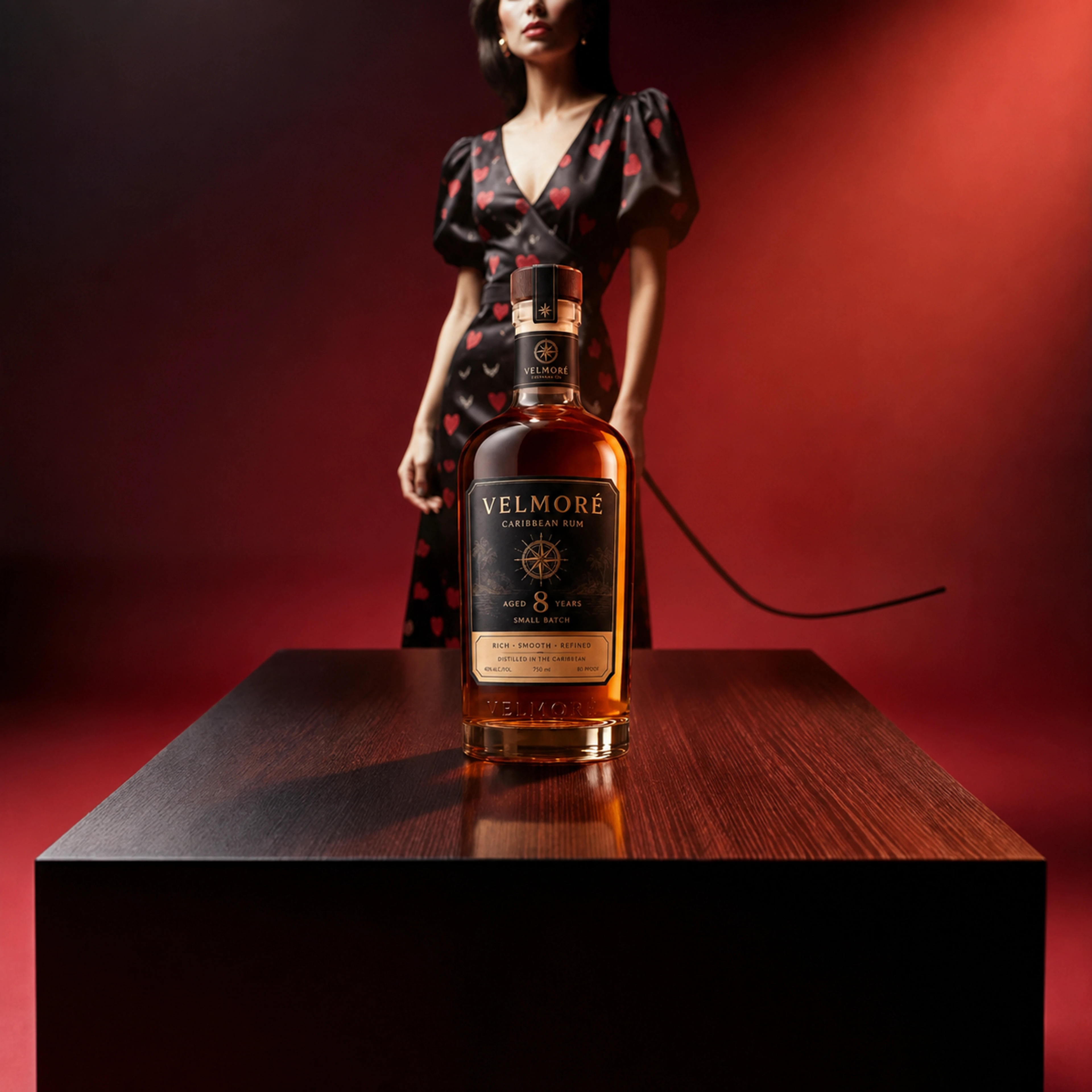
Drag the divider to compare the empty scene with the placed VELMORE bottle. The documented example follows the product reference, selected background, placement, and 16 MP final image.
This example uses a selected background in manual Product Studio. Prefer to start with just your product? Auto Studio creates the scene and places it for you.
 Product placedDrag or use arrow keys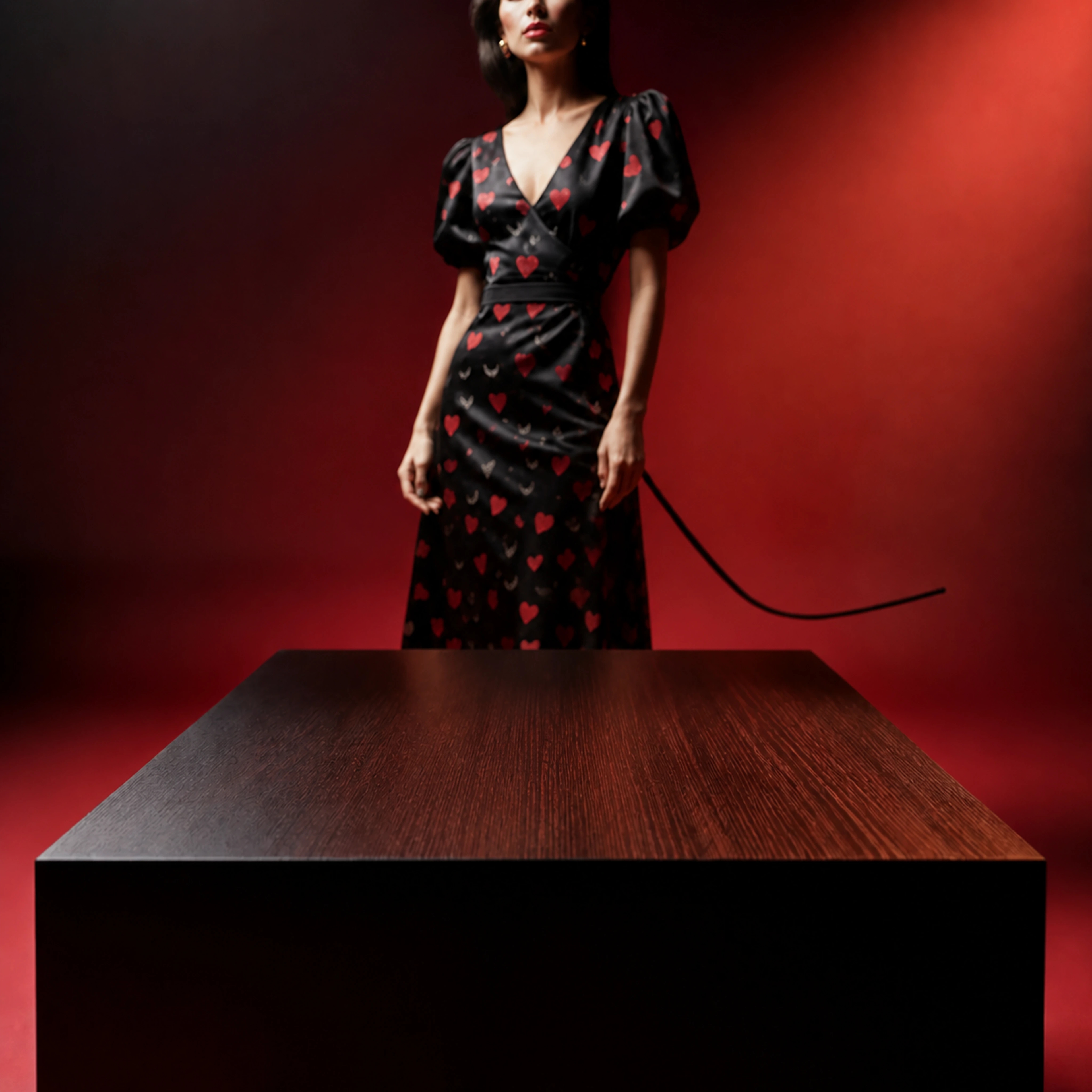
One test purchase per account.
The creative process
Your product.
Your way to create.
Start with a product, a scene, or an image you want to take further.
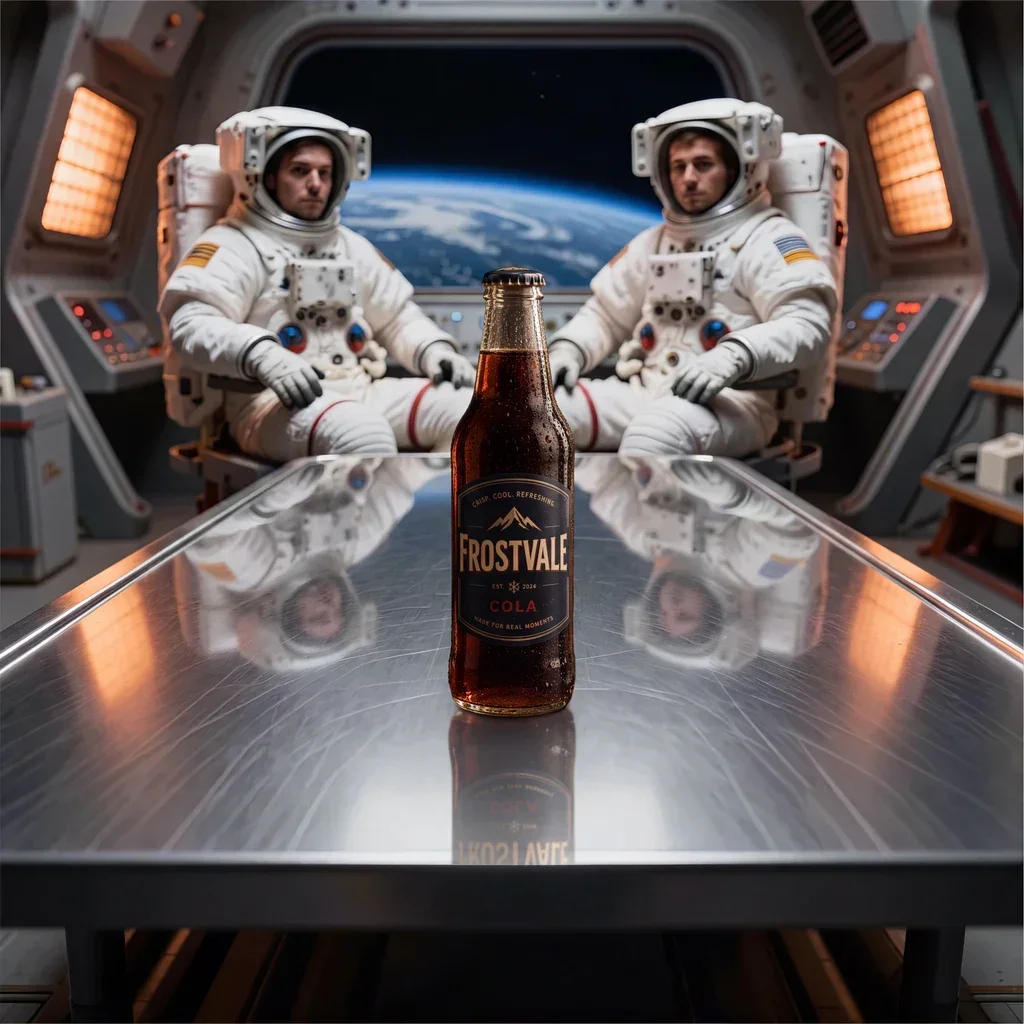
Auto Studio
Add your product reference and choose a direction. We plan the scene, create the background, and place your product.
Create a product sceneCreate background
Design a standalone background. Direct the setting, surface, light, and composition with your own prompt.
Place product
Place your product in a selected background. Use one reference and optionally a second view of the same product.
Enhance
Select completed images from your library. Upscale or expand them horizontally or vertically.
Made with ProductBackground
Discover
real results.
See how surfaces, lighting, and composition come together in real generated backplates. Find a direction for your next product image.
Selected from Discover
Public gallery- Real generations
- Browse completed ProductBackground results.
- Useful tags
- See materials, outpaint, and hero-image examples.
- Published prompts
- Remix a starting point when the curator shares it.
For the work you make
Independent creators.
Growing brands.
Creative teams.
- Independent creators & sellers
- Product images for your own shop, personal projects, and client work.
- Brands & ecommerce teams
- A visual direction for product launches, storefronts, and campaigns.
- Retouchers, designers & agencies
- Custom backgrounds, considered product placement, and room for further editing.

Product images for your Shopify store
Create product scenes on the ProductBackground website, review the details, and download a PNG. Upload your approved image to the product in Shopify yourself.
Shopify app preview
Coming soon — subject to Shopify approval
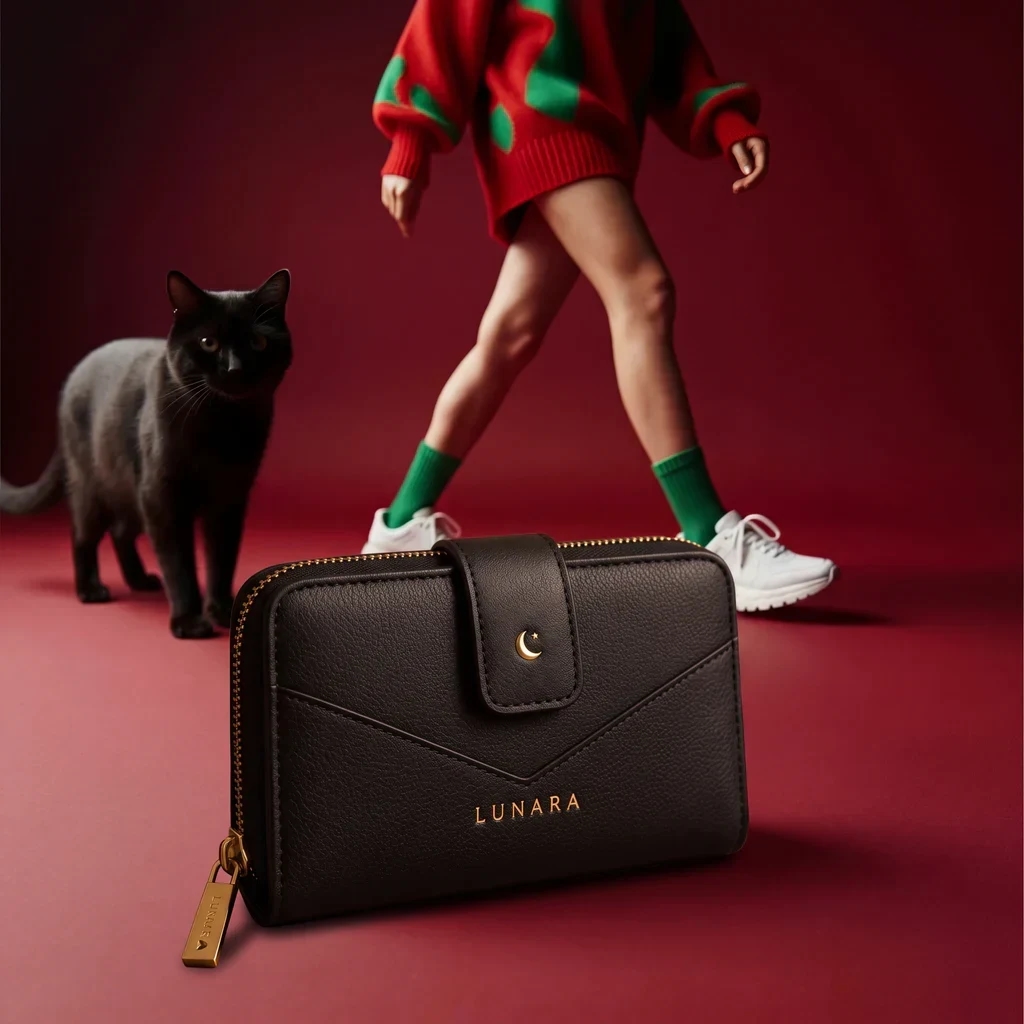
The planned app workflow brings image selection, creation, and review into Shopify, with an explicit action to add a result to your product.
Explore the workflow for image preparation, review, and manual upload.
 With productDrag or use arrow keys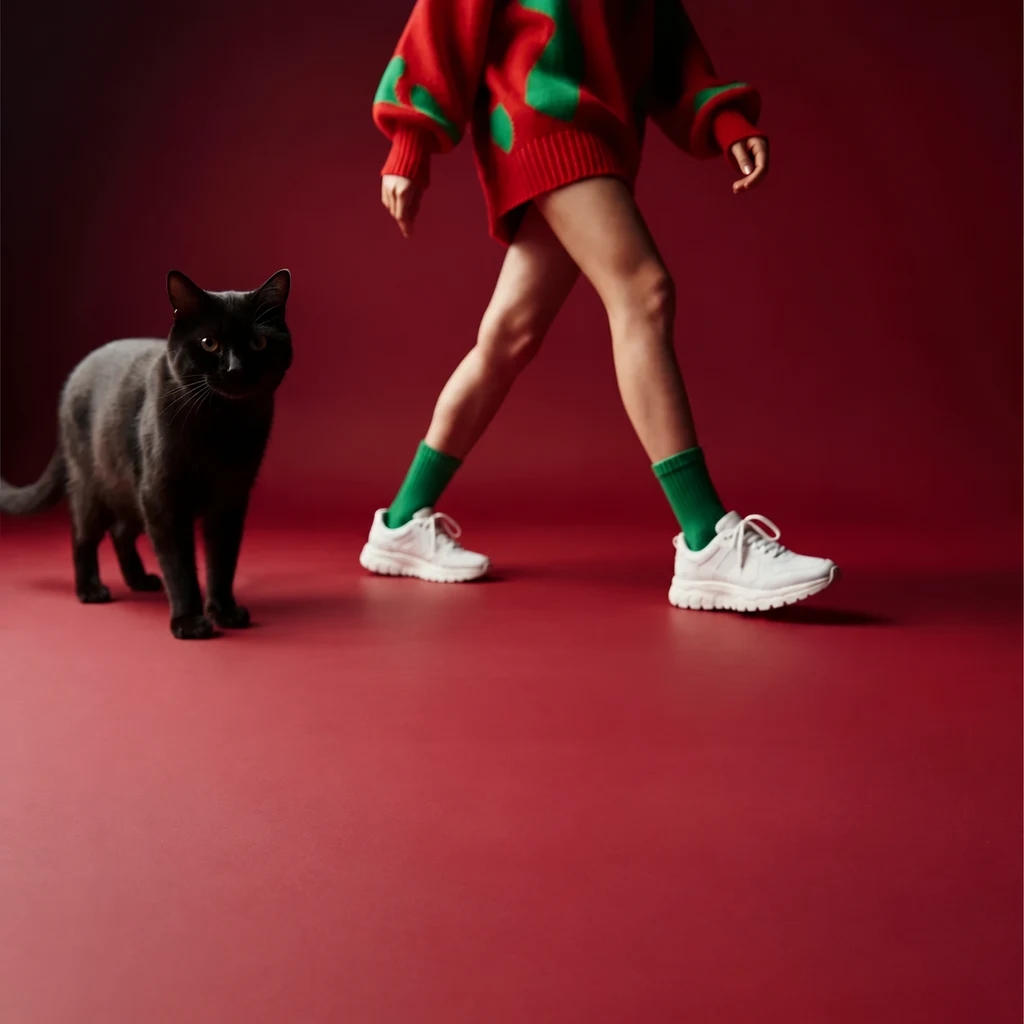
Before you publish
Hero Image Factor
ProductBackground’s seven practical checks for reviewing product and website hero images.
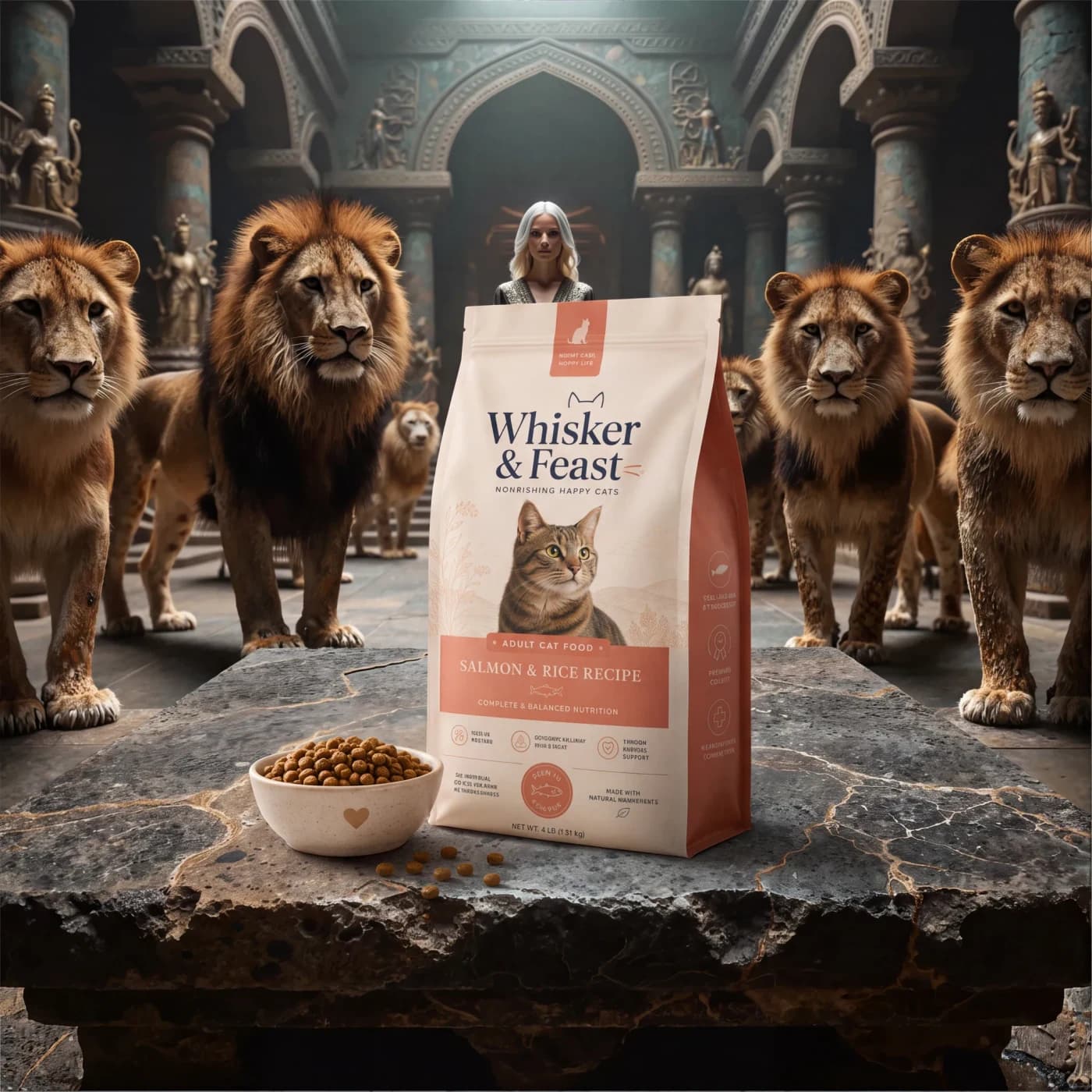
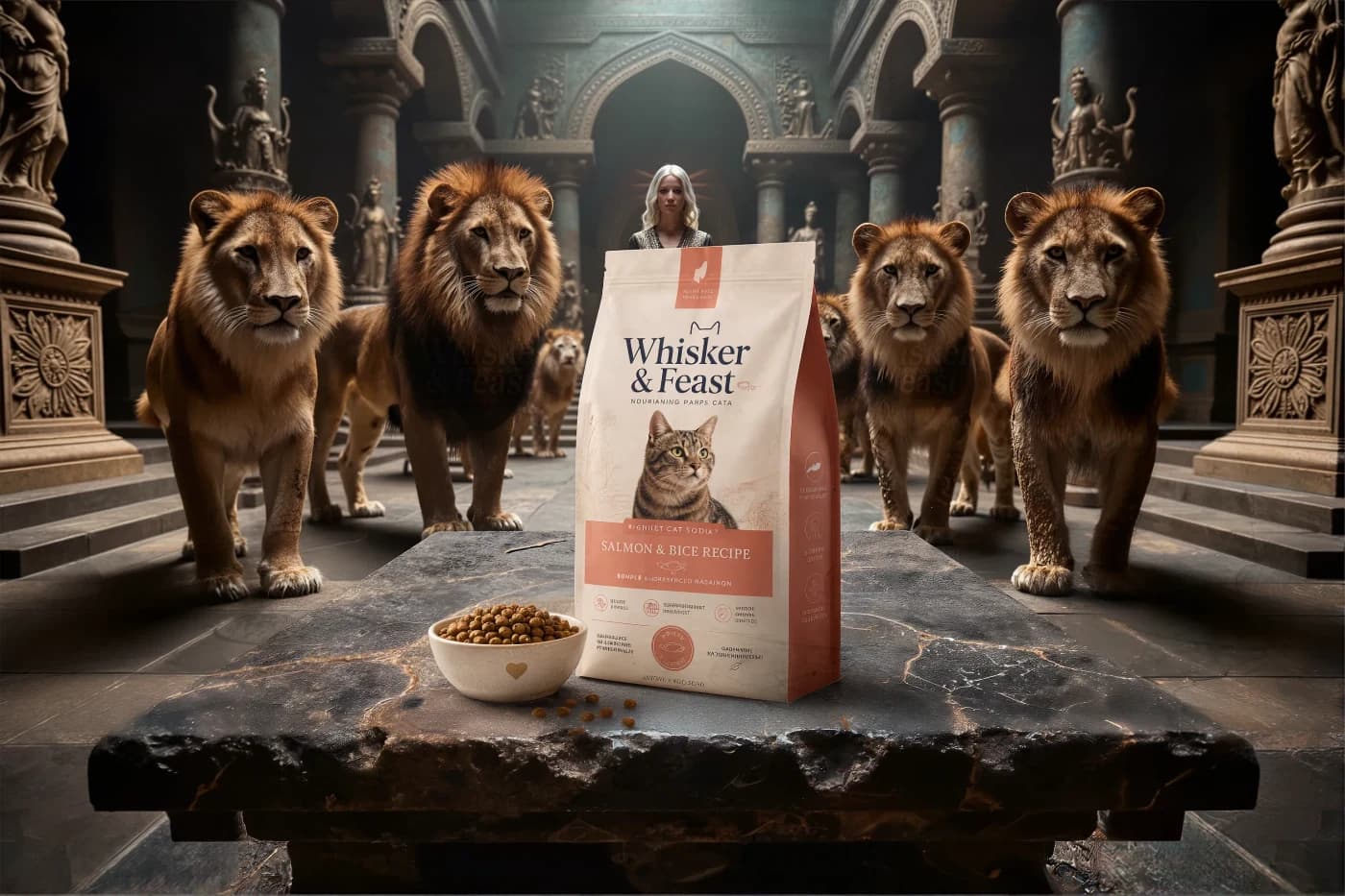
Same composition, more layout space. Both images are shown uncropped.
- Focus
- One clear focal point.
- Fit
- A scene that suits your product and audience.
- Integrity
- An accurate product and an honest promise.
- Space
- Room for the product, headline, and action.
- Contrast
- Readable text and distinct product edges.
- Responsiveness
- A composition that still works on mobile.
- Speed
- Fast loading and a stable page layout.
A manual review, not an automatic analysis or a conversion guarantee.
Creative control
Your direction.
Down to the details.
- Scene
- Shape the setting, materials, and light. Include people, wildlife, food, or props when they belong in the story.
- Product
- Guide placement with your reference. In manual Product Studio, add real-world size and an optional second view of the same product.
- Finish
- Expand the frame, upscale supported images, and export for your final edit.
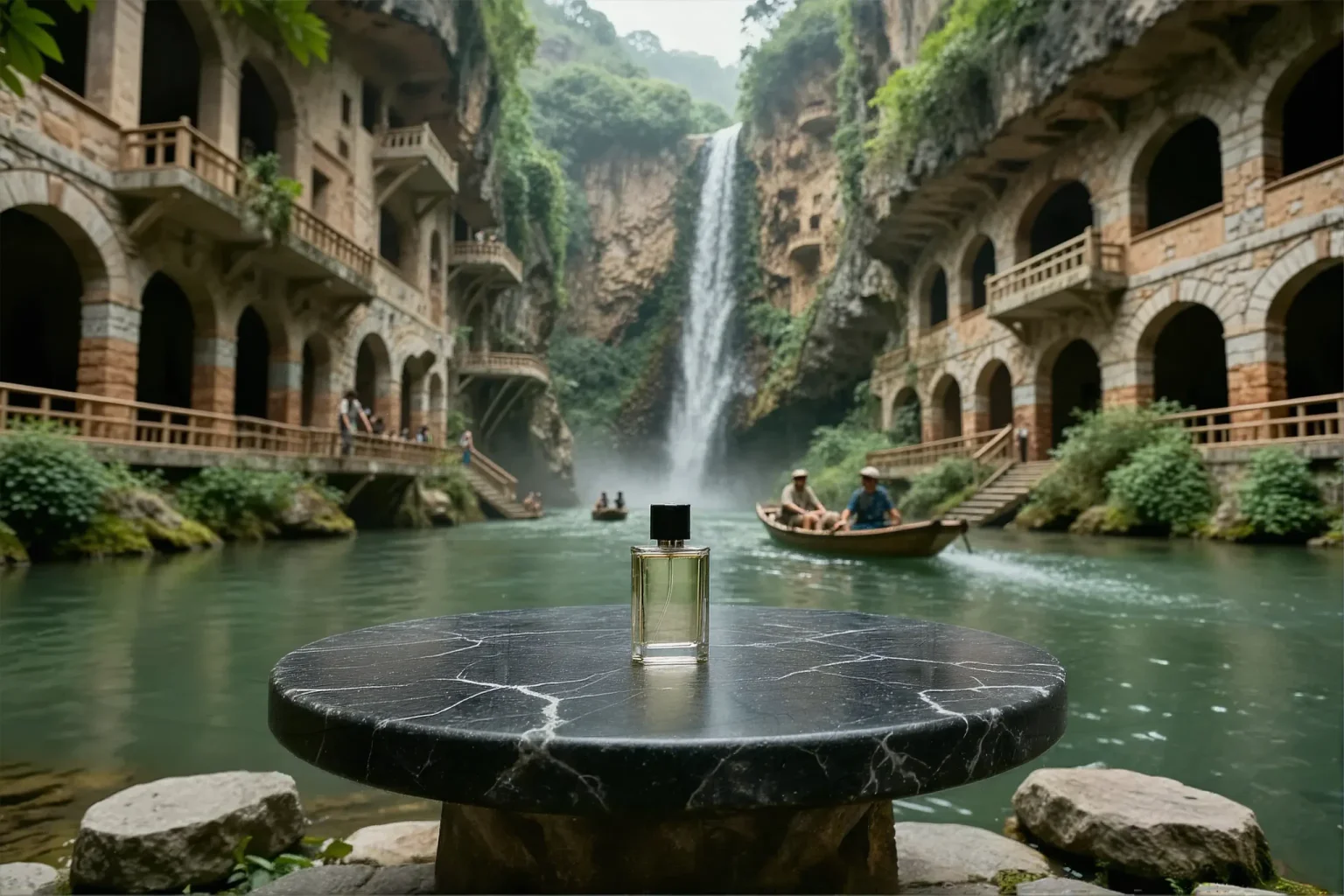
A published horizontal outpainting result.
You approve the final image. Check labels, logos, geometry, and invented details against your reference before publication.
Plans & pricing
Find the right plan for your product images.
See monthly prices and how many images you can create with each plan. You can also start with a one-time test.
View plans & pricingFAQ
Common Questions
Can I create product images for my Shopify store?
Yes. Create and review images on the ProductBackground website, download a PNG, and upload it manually to your Shopify product. Check labels, logos, geometry, and other product details before use. The Shopify app is coming soon, subject to Shopify approval.
Can I use purchased MP credits without a subscription?
Yes. Purchased MP credits do not expire and unlock the website image tools for verified accounts, using Free account limits. Monthly credits remain usable for one calendar month after their billing period ends, including after cancellation. Check Account for your exact expiry dates. API, MCP, and Shopify have separate access rules.
Is ProductBackground for individuals as well as teams?
Yes. Independent creators, online sellers, designers, retouchers, brands, and agencies can use the same tools for their own projects or client work.
What does Draft scene plan in Auto Studio do?
Draft scene plan creates a paid written scene proposal, not a free image preview. You can also generate directly. Check the current cost and availability shown in the workspace before starting.
Which images can I use in Enhance?
Select one or several completed images from your library. Choose an available upscale or horizontal or vertical expansion, then review the selected images and total cost. Available actions and target resolution depend on the selected sources.
What is a backplate?
A high-resolution lifestyle scene that creates a believable world around the product while leaving the frontal foreground empty for placement and retouching in post-production.
What product sizes is ProductBackground designed for?
ProductBackground scenes are designed around products in the 10–35 cm size range. In Product Studio, you can also provide the product's real-world size in centimetres or inches to guide scale during placement.
Can a lifestyle backplate include people, wildlife, food, or props?
Yes. You can describe characters, animals, food, objects, architecture, and environmental details as part of the scene. Keep them behind or beside the empty product area, and review every generated result for realism and brand suitability.
What parts of the scene can I control?
Use free-form prompts or the built-in templates to direct the location, characters, animals, food, objects, foreground surface, lighting, atmosphere, color, and camera view.
Does ProductBackground generate or place my product?
Choose your starting point. Auto Studio uses a product reference and your direction to plan the scene, generate the background, and place the product. For more control, create or select a background first and place your product in manual Product Studio with Nano Banana Pro. Review labels, logos, geometry, materials, scale, shadows, reflections, and invented details before publication.
Does the backplate generator process an uploaded product photo?
Create scene does not process a product photo. The core generator creates an empty backplate from your scene direction. Auto Studio starts with a product reference and creates the scene around it. Manual Product Studio uses one required reference and an optional second view of the same product with a selected background.
Do I need a specific editor?
No. Product Studio handles the standard AI-assisted placement workflow inside ProductBackground. Use manual compositing, CGI, or photography when packaging, legal text, regulated assets, or product geometry must be reproduced exactly.
Can I use the output commercially?
Yes. Commercial use is included, subject to the ProductBackground Terms and applicable model-license conditions.
Why PNG?
PNG is a practical, broadly compatible handoff format for retouching and compositing workflows.
What does up to 96MP mean in practice?
It provides a higher-resolution source when your compositing or large-format workflow needs a larger backplate.
Can I extend a scene for banners or vertical layouts?
Yes. You can outpaint a selected scene horizontally or vertically. This extends the environment in one direction rather than automatically cropping one master image into every format.
Can the generated scene be used without a product?
Yes. A backplate can also work as a standalone hero or header visual when the campaign needs an atmospheric environment without a product composite.
Ready to ship visuals faster?
Start with your product in Auto Studio, or choose a scene yourself. Review the result, then refine it in Enhance.