

Product images for your Shopify store
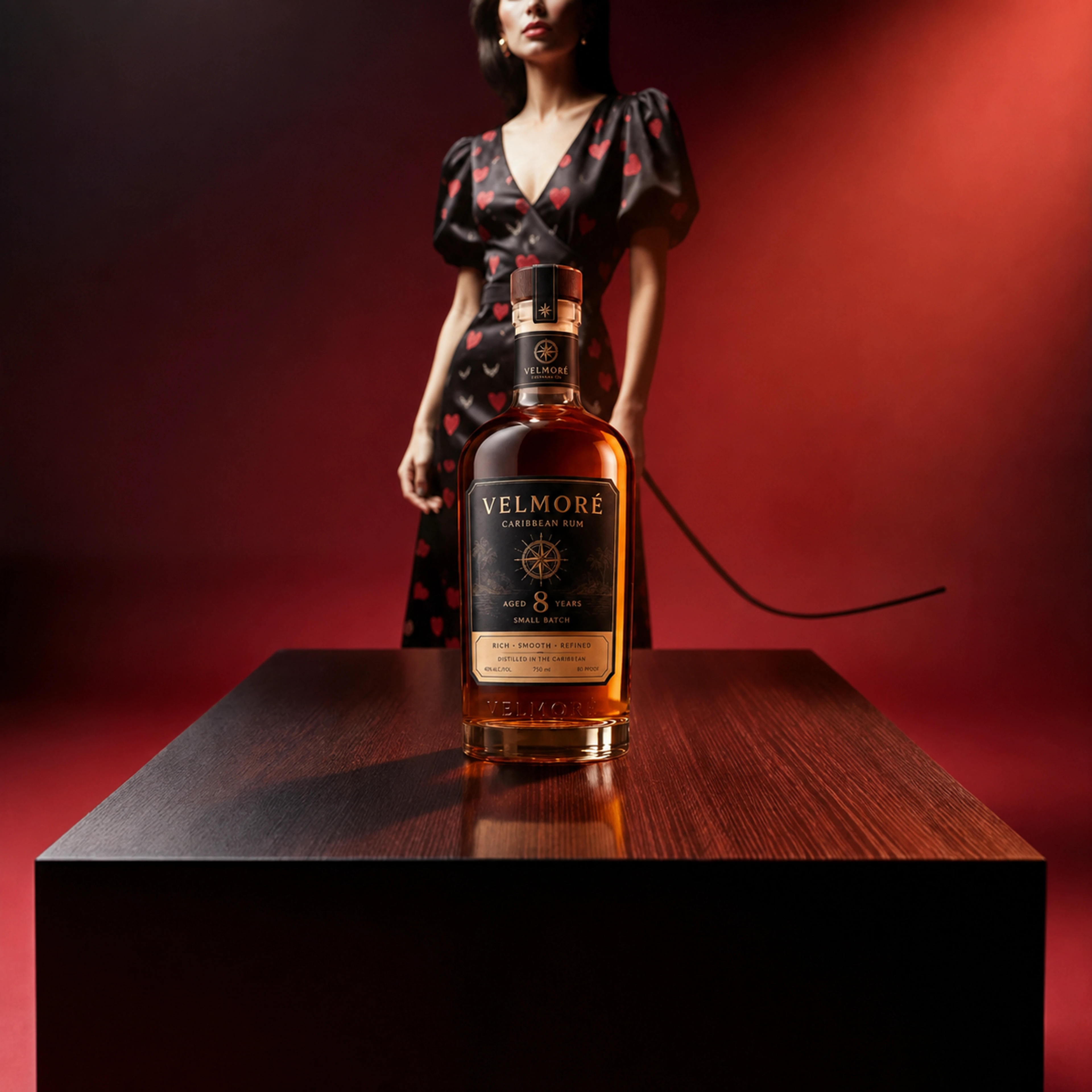
Give your products a considered setting. Create scenes on the ProductBackground website, review the results, and upload approved PNGs to Shopify.
Create product images on the websiteAvailable now · Website workflow
Create, review, upload
1.Start with your product
Upload a clear product reference in Auto Studio and choose a scene direction. For more control, create or select a background first, then place your reference in manual Product Studio. Review the current MP credit cost before generating.
2.Review the finished image
Compare the result with your reference. Check labels, logos, geometry, materials, scale, shadows, and any invented details. Use further editing when exact packaging or product details are required.
3.Download and upload manually
Download the approved result as a PNG from the website. Open your product in Shopify and upload the image to its media yourself. Check the crop in your storefront before using it.
 Product placedDrag or use arrow keys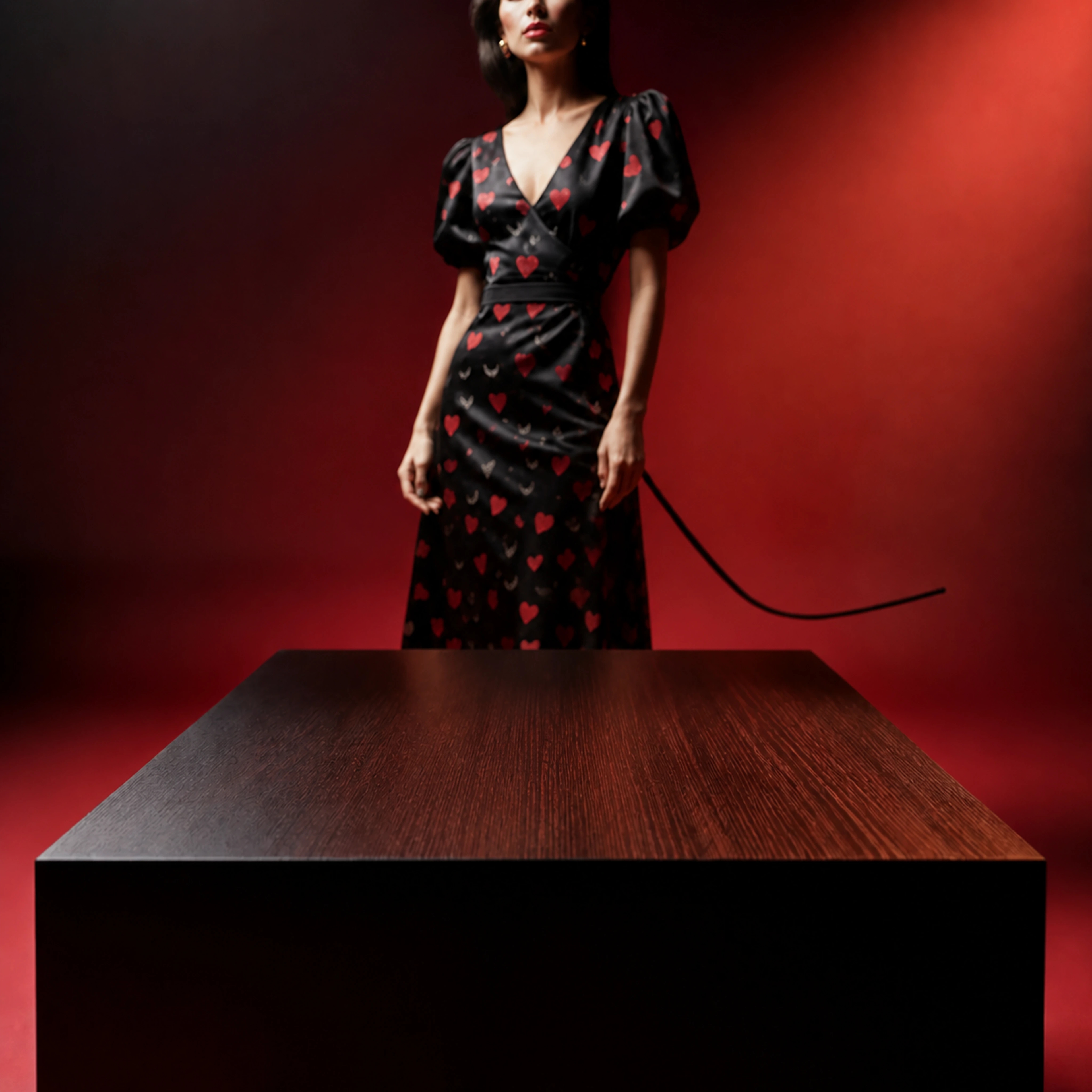
Shopify app preview
Coming soon — subject to Shopify approval
The planned app brings the workflow into Shopify. Availability and the final experience remain subject to Shopify approval.
For larger product series, Catalog Studio is designed for bulk production: select products and reference images, choose scene variants, approve the total MP cost, then review results and explicitly export approved images. Manage these orders directly in the ProductBackground Shopify app; ChatGPT does not transfer products or start bulk jobs.
Select a product image
Choose the product and reference image you want to work with in Shopify.
Create a product scene
Choose a scene direction and review the quoted cost before starting creation.
Review the result
Compare the generated image with the original product and check its details.
Explicitly add the image
Choose an approved result and explicitly add it to your product media.
Questions about the Shopify workflow
Can I use ProductBackground for Shopify product images today?
Yes. Use the ProductBackground website to create and review a product image, download a PNG, and upload it manually to your Shopify product.
Is the Shopify app available to install?
Coming soon — subject to Shopify approval. The workflow preview describes the planned app experience. Use the website workflow today.
Does the website add generated images to my Shopify products?
No. In the current website workflow, you download the image and upload it to Shopify yourself. The planned app workflow includes review and an explicit add-to-product action.
Will the AI preserve every product detail?
AI can alter or invent details. Review labels, logos, geometry, proportions, materials, and color against your source reference before using an image in your store. Use manual retouching or photography where exact reproduction is required.
Can I prepare different image formats?
Auto Studio offers square, landscape, and portrait formats. Enhance can upscale or expand supported completed images. Review the available actions and cost in the workspace, and check how your Shopify theme crops the exported image.