
ProductBackground methodology
What Is the Hero Image Factor?
The Hero Image Factor is ProductBackground's seven-part framework for judging how quickly a lead visual focuses attention, explains a product or message, and supports the next action—inside a product image and at the top of a website.
By ProductBackground · Updated
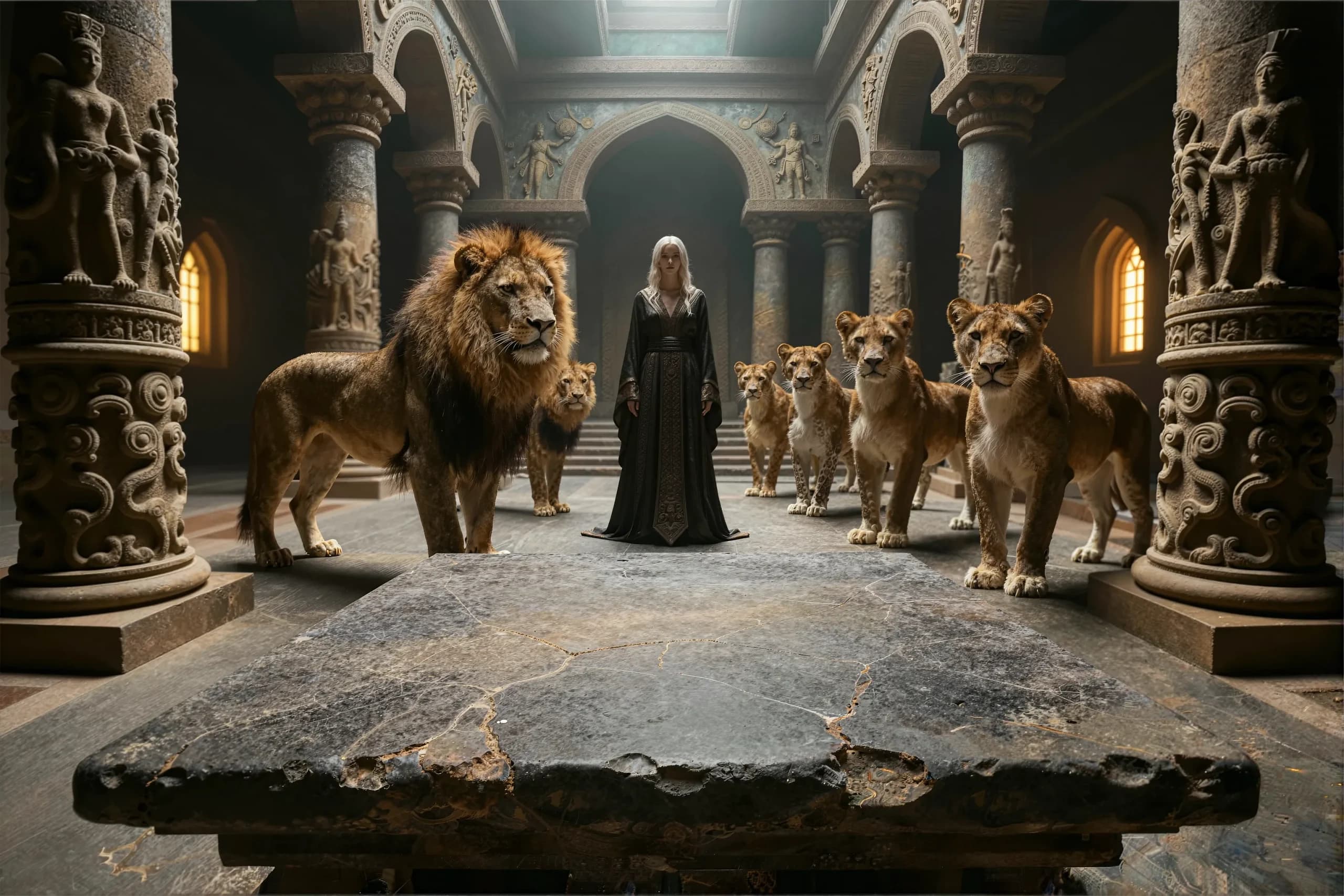
A background-first composition example
From an empty scene to a product hero
Lions and stone architecture set the scene. The foreground table leaves room for the product. In Product Studio, a Whisker & Feast reference becomes the focus of the composition, with a food bowl beside the bag. Review the label, proportions, lighting, and contact shadows before export.
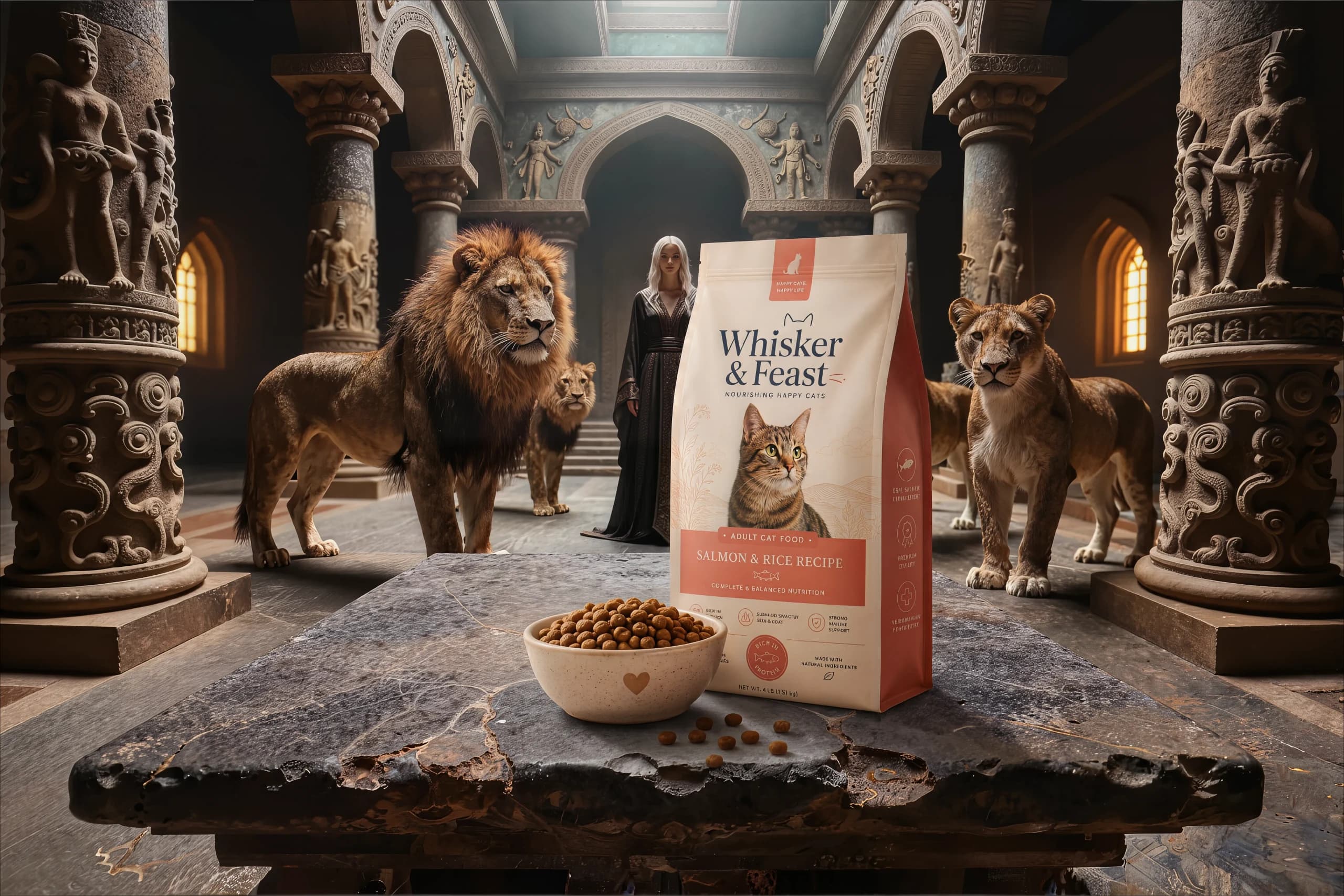
These optimized previews show the empty backplate and the finished lion-hall composition. Compare the reserved product space with the final placement, then inspect the label, proportions, and contact shadows at your intended display size.
Open Auto StudioInteractive self-check
Review your hero, one step at a time
Keep your hero open in another tab. Read each check, choose a rating, then review what to improve. No upload or automatic analysis is involved.
Step 1 of 7 · Focus
Is it obvious where to look first?
Your product or main message should stand out before background details. On a website, the image, headline, and call to action should work together.
Try this before rating
Look away, then glance at the hero for a moment. What catches your eye first? Repeat at thumbnail size.
Two hero systems, one review framework
Product hero vs. website hero
| Decision | Product hero image | Website hero section |
|---|---|---|
| Primary job | Make the approved product clear, credible, and desirable. | Explain the page promise and support the next action. |
| Protected truth | Geometry, label, color, material, scale, and camera angle. | Headline meaning, offer, CTA, accessibility, and responsive reading order. |
| Reserved space | A credible placement plane plus room for shadow and reflection. | Copy-safe and CTA-safe zones that survive real breakpoints. |
| Final proof | Inspect the layered composite at PDP and campaign sizes. | Test rendered crops, contrast, LCP, INP, CLS, and CTA behavior. |
Real generated workflow evidence
Before and after: preserve the world, change the canvas
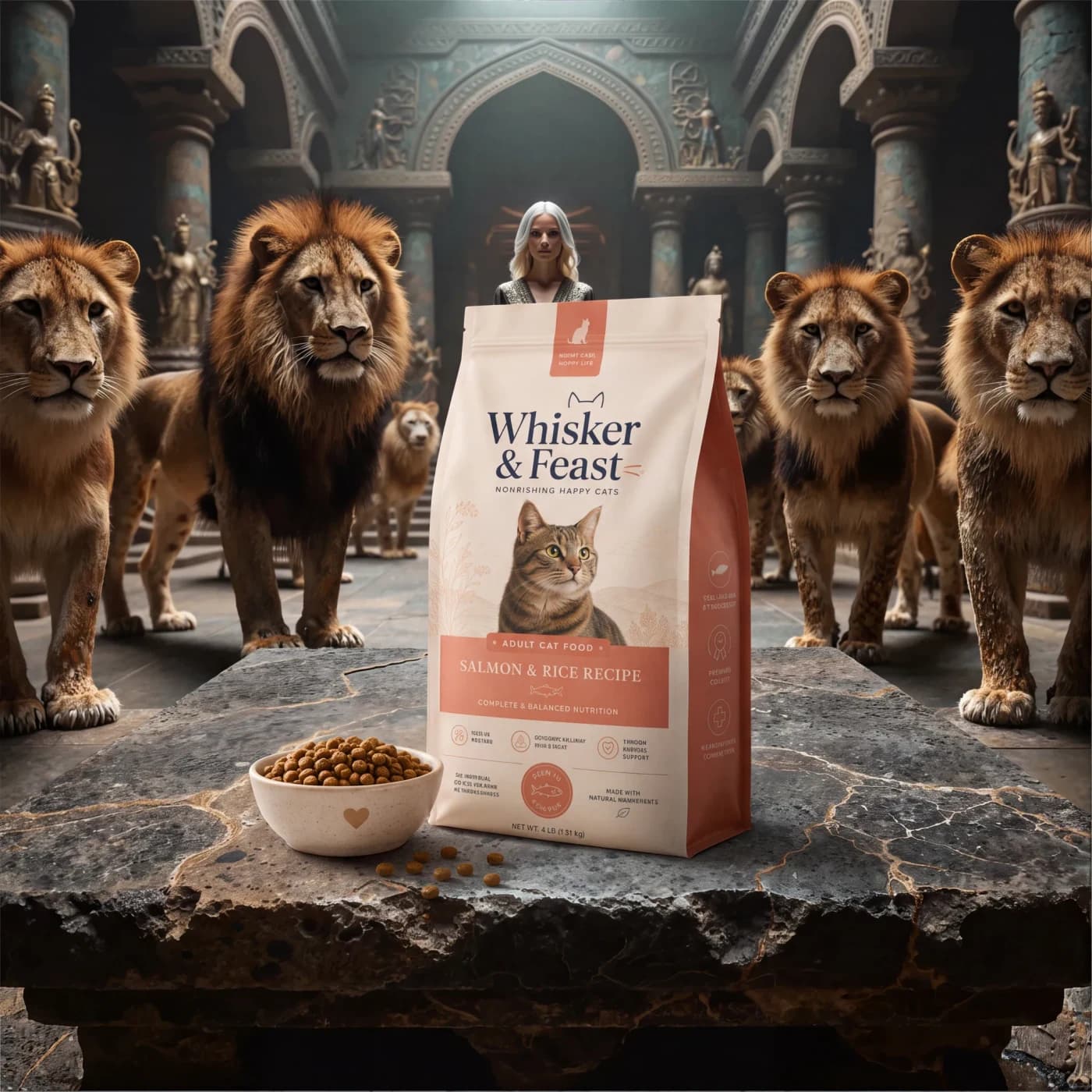
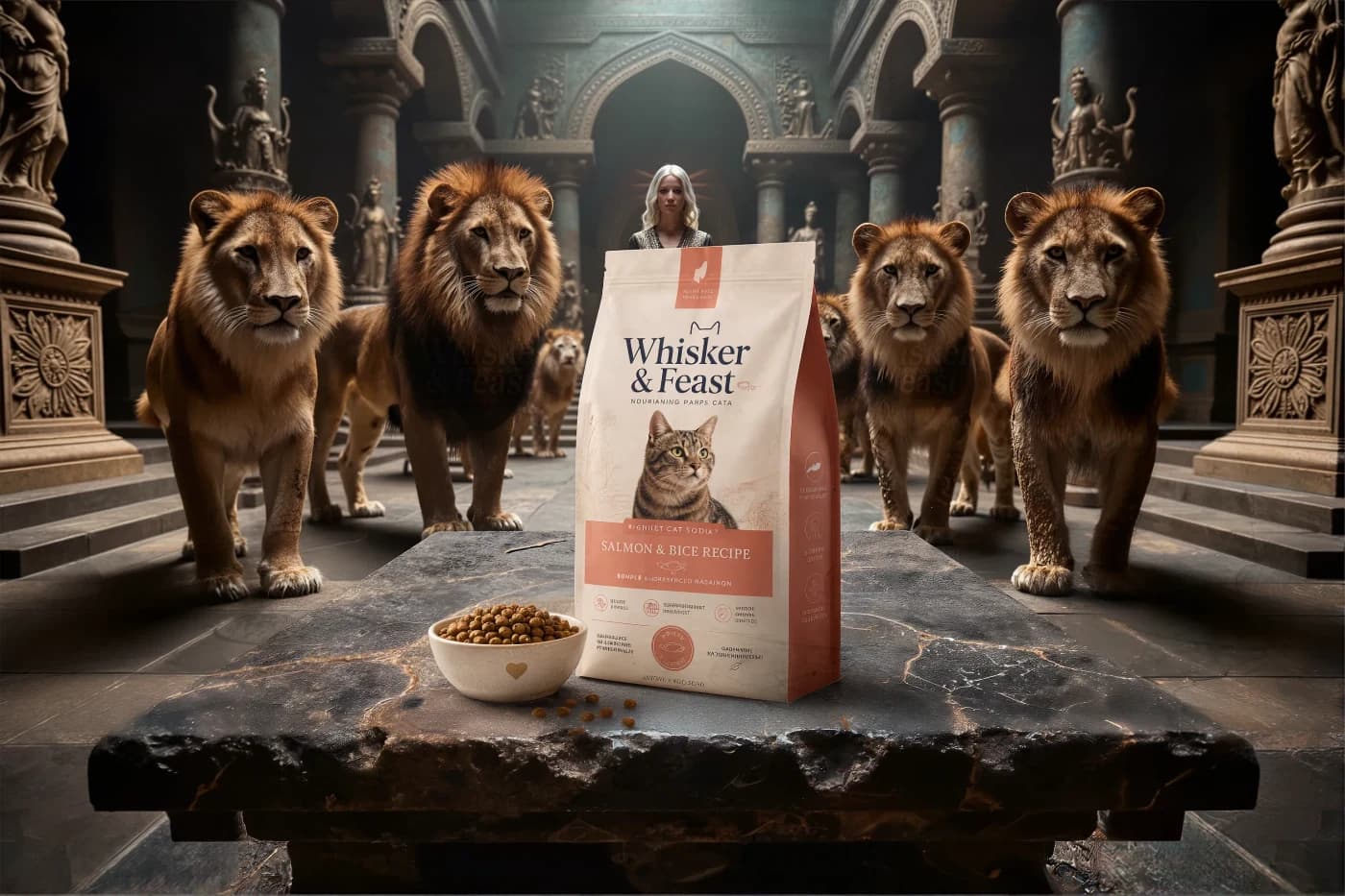
This earlier stage of the lion composition shows a square product image (1:1) and its horizontal outpaint (3:2). Both are shown uncropped. The wider canvas adds room around the product and the surrounding hall. The example images above show the later scene and product versions.
Responsive production sequence
Desktop → outpaint → mobile art direction
- 01
Define the desktop system
Mark the product plane, copy zone, focal subject, longest headline, CTA, and intended rendered ratio.
- 02
Extend the approved world
Outpaint horizontally or vertically while checking perspective, light direction, material continuity, and repeated details.
- 03
Direct the mobile variant
Choose a portrait composition that preserves meaning and usable foreground instead of accepting an automatic center crop.
Published by ProductBackground · Methodology version 1.0 · Examples updated September 9, 2026. Scoring criteria are disclosed above so teams can repeat the review; the score is not a conversion guarantee.
Focus
Focus asks whether the eye reaches the intended subject or message without searching. A strong product hero uses scale, perspective, light, and depth to establish one primary focal point. A strong website hero also protects the reading order between image, headline, supporting copy, and call to action.
Visual drama is useful when it strengthens that order. It becomes noise when every prop, face, reflection, and interface element demands equal attention. Review the hero at full size, as a thumbnail, and with a quick squint test. The dominant element should still match the page's primary promise.
- Name the first element viewers should notice.
- Check whether the CTA remains visually available.
- Remove or reposition competing details.
Fit
Fit measures alignment with the product, brand, channel, and visitor intent. A technically beautiful scene can still be wrong if its mood, material, scale, or audience cues conflict with the approved product. Website heroes must also answer the query or campaign promise that brought the visitor to the page.
Judge fit against a written brief rather than taste alone. Record the intended audience, product category, campaign message, channel, and emotional direction before generation. This makes selection repeatable and prevents an attractive but irrelevant image from winning by visual novelty.
Integrity
Integrity protects what must remain true. For product heroes, that includes geometry, labels, color, proportions, and the product's approved camera angle. Auto Studio and Place product use AI-assisted placement from a reference, which still needs a fidelity review. When exact reproduction is required, use an empty backplate with controlled compositing.
For website heroes, integrity also means honest communication. The image should not imply a feature, free offer, customer result, or production capability that does not exist. Keep typography and claims as editable HTML whenever possible, and review the final composite before commercial publication.
Space
Space is deliberate capacity for the product, headline, CTA, legal copy, or platform overlay. It is not simply an empty patch. The surface, light direction, perspective, and surrounding elements must make the reserved area believable and useful.
This guide's lion-hall example demonstrates this with a stone table framed by lions. The empty foreground provides a placement surface for the product bag and bowl, while the surrounding architecture establishes depth. Define separate product and copy zones before generation, then use outpainting when the required canvas changes.
Contrast
Contrast separates message layers. Text needs sufficient tonal contrast against every responsive crop, while the product needs believable separation from its environment. Overlays can improve legibility, but excessive darkening can erase the image qualities the hero is meant to prove.
Test the actual rendered composition rather than the source image alone. Include focus states, translated copy, longer headlines, and accessibility settings. If one crop requires aggressive overlays while another does not, create art-directed assets instead of forcing a single treatment everywhere.
Responsiveness
Responsiveness asks whether the visual keeps its meaning across desktop, tablet, mobile, email, social, and campaign placements. A center crop is not automatically a mobile design. Important product space, faces, horizons, and copy-safe regions may disappear when a wide source is placed inside a tall container.
Plan a family of related assets. Generate or outpaint the master, then select crops with explicit focal points and safe zones. A dedicated portrait variant can preserve the same world while changing the balance of foreground, subject, and negative space for small screens.
Speed
Speed protects the first impression. The hero is often the Largest Contentful Paint element, so correct discovery, responsive source sizes, compression, and caching matter. Use a real image element, provide dimensions or a stable container, prioritize only the true above-the-fold asset, and avoid preloading demonstration images further down the page.
Measure field LCP, INP, and CLS after release. Lab tests are useful for comparison, but they do not represent every network and device. Treat speed as part of creative quality: an image that arrives too late cannot perform its visual or conversion job.
Set the scene. Make it yours.
Use Auto Studio for a guided product scene, create a standalone background, or place a product reference manually in Product Studio. Review the result before export.
Create a scene