
What Makes a Good Hero Image?
The limits of AI product photography—and why product truth depends on separating the real product from the generated world around it.
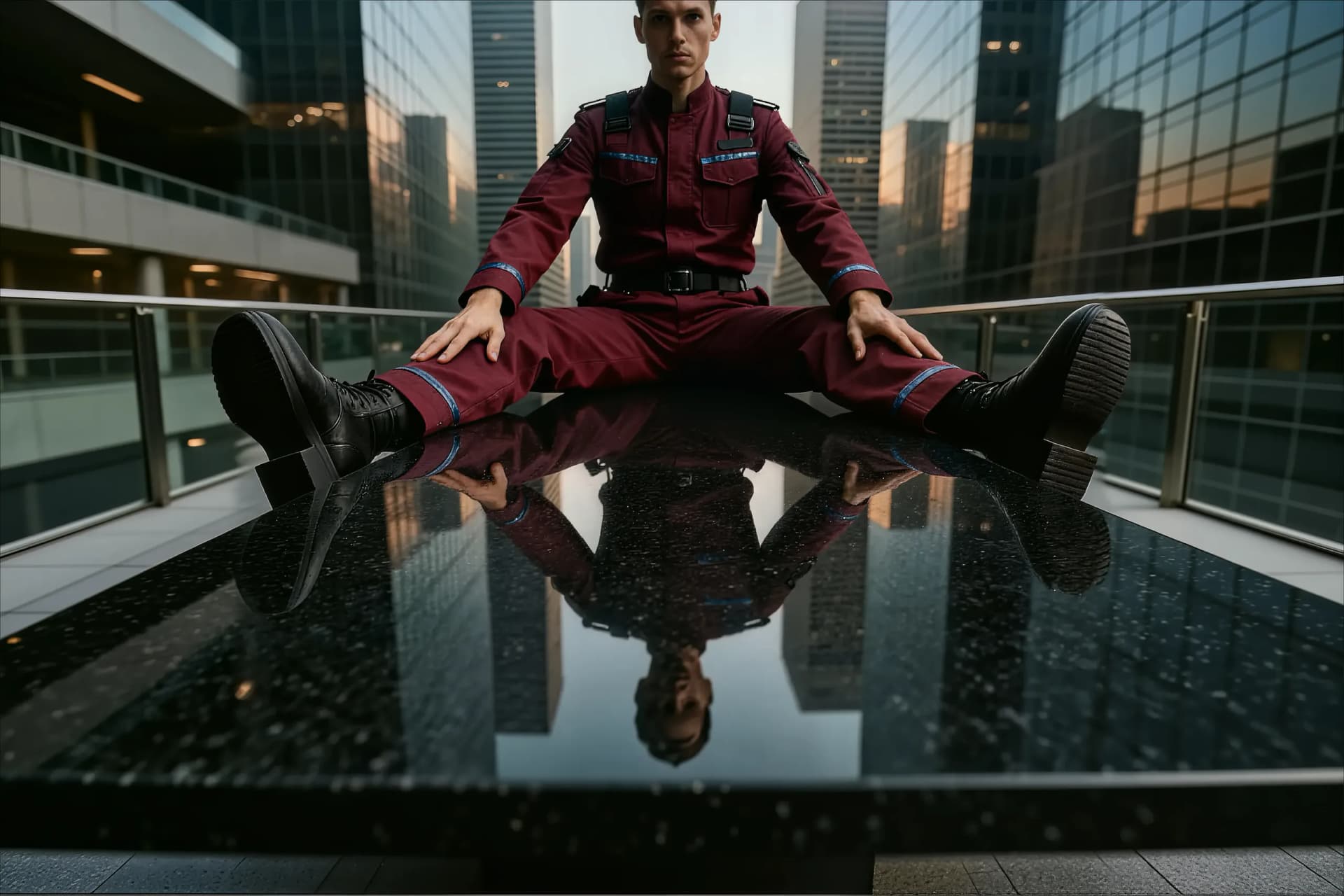
A good hero image does more than make a product look attractive. It has to be visually compelling, technically usable, compositionally flexible, and accurate enough to represent the real product.
AI image generators have made it incredibly easy to create product scenes. You can upload a product photo, describe the desired setting, and receive a complete lifestyle image within seconds.
That workflow is fast and useful for exploring ideas. But when the image needs to represent a real product professionally, it also has serious limitations.
Identity
The problem with generating everything at once
When an AI image generator creates a complete product image, it has to solve several difficult problems simultaneously:
- preserve the exact shape of the product
- reproduce logos, labels, and text
- maintain the correct materials and textures
- estimate the product’s physical size
- position it in the scene
- create a suitable surface
- generate realistic lighting and shadows
- build a convincing lifestyle environment
The more responsibilities the model has, the more likely it is that something will go wrong.
A product may look attractive at first glance, but closer inspection often reveals altered proportions, unclear text, simplified details, or a changed surface texture. Instead of improving the original product image, the AI may unintentionally redesign the product itself.
This is especially problematic for premium products, packaging, cosmetics, fashion accessories, furniture, and any item where customers need to recognize the exact product they will receive.
Pixels
Resolution is still a major limitation
Image resolution is one of the most important technical constraints in AI-generated product imagery.
A generated image contains a limited number of pixels. If it is later enlarged significantly, software cannot recreate genuine product details that were never present in the original. It can only interpolate pixels or generate additional detail.
Current product documentation also needs careful interpretation. OpenAI documents ChatGPT Images and its API image models separately; interface capabilities and API output presets should not be treated as identical. Google currently documents 1K, 2K, and 4K output options for supported Gemini 3 image models, with exact dimensions depending on aspect ratio.
Higher resolution helps, but it does not solve the identity problem. A 4K image can still contain an inaccurate product if the AI has modified the shape, text, or texture.
Context
AI does not know the real size of your product
An AI model usually cannot determine whether a product is 10 centimetres or 35 centimetres tall simply by looking at a product photo. It creates a plausible estimate based on visual patterns and the objects surrounding it.
This can lead to misleading visual impressions. A small product may appear much larger than it really is, while a larger product may look unusually small. If the scene includes hands, furniture, people, plates, or other familiar objects, the viewer naturally uses them as references for judging size.
A difference of only a few centimetres can have a significant effect, particularly for small products. Accurate product imagery requires responsible control over scale and context.
Layout
Composition should be controllable
A product does not always belong in the centre of an image. Sometimes it should be positioned to the left or right to leave room for a headline or call to action. In other cases, surrounding objects should communicate scale.
AI generators can often respond to instructions such as “place the product on the right side” or “leave empty space on the left.” However, the result is not always predictable or repeatable. The product may move between generations, change size, or become integrated into the scene in an undesirable way.
- The creator should control where the product is placed.
- The creator should control how large it appears.
- The creator should control how much empty space is available.
- The creator should control which objects provide scale.
- The creator should control how the image fits the intended layout.
Complexity
Lifestyle scenes make the task even harder
Consider a scene with a woman in a dress standing on a rooftop under a blood moon, illuminated by creative red lighting.
The AI must already manage the person, clothing, rooftop, moon, atmosphere, colour palette, and lighting. If a real product is added to the same generation, the model must also preserve its identity while integrating it into a complex environment.
This is where many otherwise impressive results begin to fail. The product may be simplified, distorted, or visually altered because the model is prioritising the overall scene. The final image may look cinematic, but it no longer shows the product accurately.
The backplate method
A better approach: separate the product from the background
ProductBackground follows a different strategy. Instead of asking AI to generate the complete product image in one step, the background and the product are created separately.
First, the AI generates the environment: the surface, perspective, lighting, mood, and surrounding objects. The product is added only after the background has reached the desired quality.
The AI is used for what it does best: creating atmosphere, visual direction, surfaces, and environments. The product remains an independent, controllable asset.
Progressive resolution
A three-step resolution workflow
ProductBackground creates background images in three stages. Resolution increases only after the creative direction has been validated, so large files are reserved for concepts worth finalising.
- 01
Explore ideas at approximately 1 megapixel
Test prompts, compositions, surfaces, lighting, perspective, and orientation quickly. The goal is direction, not final quality.
- 02
Refine the concept at approximately 4 megapixels
Regenerate the approved direction so background materials, shadows, lighting, and environmental details become more precise.
- 03
Finalise the image at up to 6 megapixels
Produce the finished backplate with more flexibility for websites, social campaigns, and other digital applications.
Production
Add the product in the final step
Once the background is complete, the product can be placed using a layer-based image editor, Canva, or another compositing tool.
This makes it possible to control the product’s position and size directly instead of relying on an AI model’s best guess. It also allows the creator to build more informative scenes with clear scale references and intentional negative space.
If a 3D model is available, a 3D workflow can provide even greater control. Tools such as Adobe Dimension can render the product into the generated environment while preserving accurate geometry, materials, lighting, and shadows.
Conclusion
Creativity needs product truth.
A good hero image is not simply a beautiful AI-generated picture. It is a visual asset that combines creativity with accuracy, resolution, control, and trust.
AI image generators are excellent tools for exploring environments and creating visual concepts. They become less reliable when they are also expected to reproduce a real product perfectly, estimate its physical size, and compose the entire scene at the same time.
Separating the product from the background solves many of these problems. It preserves product quality, improves control over scale and composition, and makes it possible to create more flexible and responsible product imagery.
That is the core idea behind ProductBackground: use AI to create the world around the product, then place the real product into that world with precision.
Sources and current product documentation
- OpenAI: Images in ChatGPT
- OpenAI: Image generation API guide
- Google: Gemini image generation
- Medium: Importing a post
- Medium: Set a canonical link
Image-model capabilities change frequently. The linked product documentation is the current source of truth for model availability, output settings, and interface-specific controls.