
ProductBackground · Connected apps
Creative skills · ChatGPT and Codex
Build a clearer direction for your product images.
ProductBackground skills help you shape concepts, product photography and background directions in your conversation. The guidance supports English and German. It does not require a ProductBackground account.
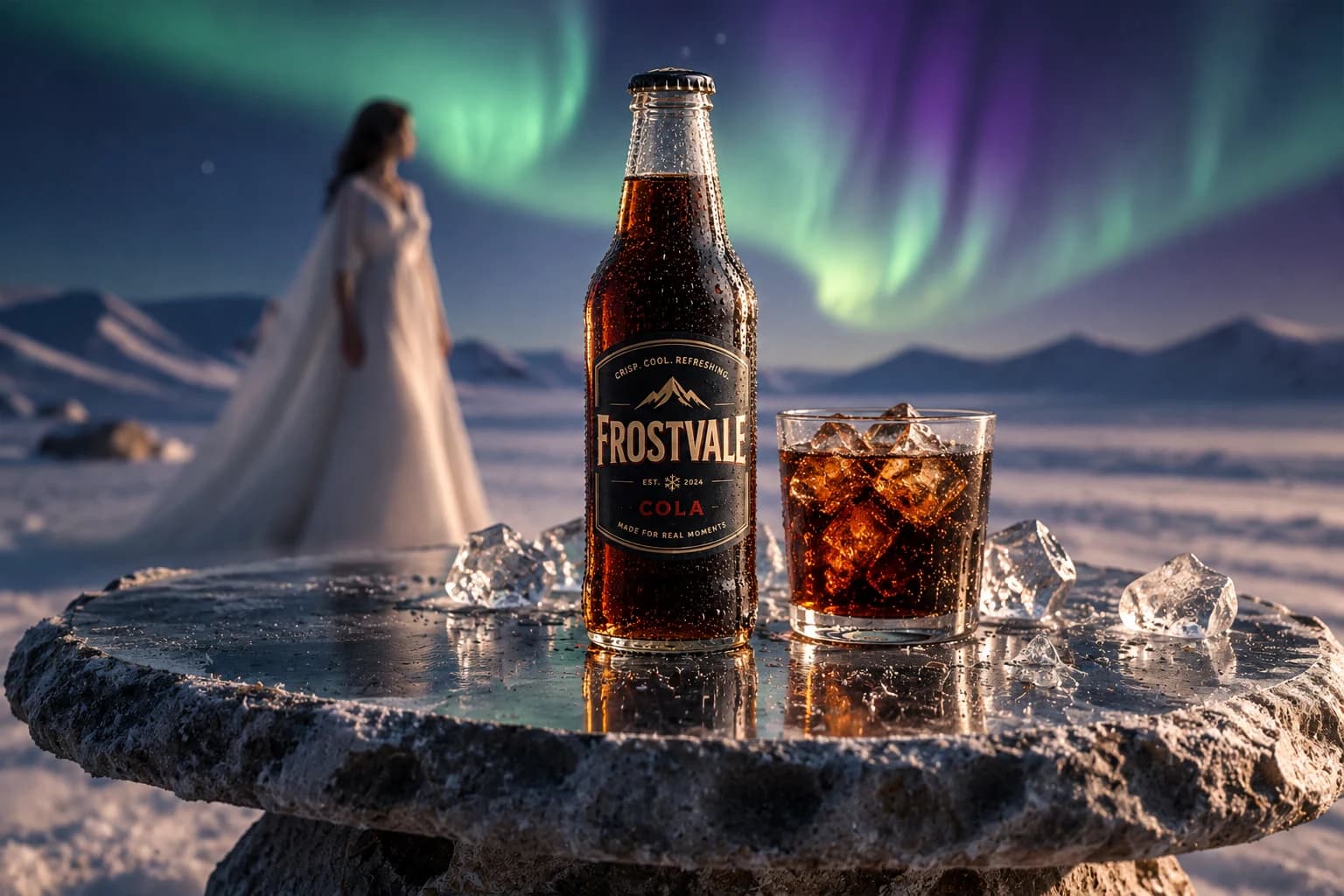
See three product ideas brought to life
Explore three fictional product campaigns, each shown as a connected set of a campaign image, a product-free scene, and a close-up composition.
View the visual examplesThree practical creative guides
- Concepts: turn a product, audience and goal into a focused campaign idea.
- Native product photography: plan a polished image using your host’s native image generation.
- Native backgrounds: create a scene direction that fits your product and intended use.
Image generation happens in your chat app
These skills provide creative instructions. They rely on the native image-generation feature available in your ChatGPT or Codex host, so availability and usage limits follow that host’s plan and settings. ProductBackground does not provide image generation through this skills package.
If your host cannot generate images, use our website at productbackground.com/create. Website image generation uses ProductBackground services and may have separate account, plan or usage costs. This skills package creates no ProductBackground jobs, does not transfer chat files to our service, and does not incur ProductBackground charges.
Use the skills in ChatGPT
- ProductBackground is preparing a public directory listing. OpenAI review and approval are required before it can appear there.
- Until then, the package can be tested in supported local clients that can load agent skills. Follow that client’s local skill instructions.
- Once available in ChatGPT, start a chat and ask for help with a product concept, product photo or background direction in English or German.
There is no public directory URL yet. This page does not claim that a listing is live or approved.
Install the skills in Codex
- Download and extract the ZIP. Keep its
.agentsfolder beside theproductbackgroundfolder. - In a terminal inside the extracted folder, run
codex plugin marketplace add .to add the local marketplace. - In a supported Codex client, choose the ProductBackground Preview local source, install ProductBackground and start a conversation. Ask for a concept, product image or background in English or German.
- Try a request such as “Help me develop a campaign concept for this product.”
The ZIP is a local skills package for supported Codex clients and marketplace installation. It contains creative guidance; it does not configure a ProductBackground MCP connection or submit work to our service.
Choose a visual direction
Use one direction as a starting point, combine a few, or describe your own style. Add reference images when your host supports them. Your instructions take priority.
- Clean Studio
- Premium / Luxury
- Natural / Lifestyle
- Editorial / Fashion
- Creative / Surreal
Want to see how the directions compare?
The example article groups all nine images by product so you can compare the scene, backplate, and product detail together.
Read the three campaign examples